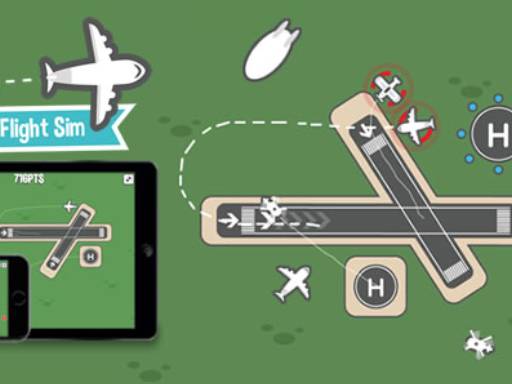
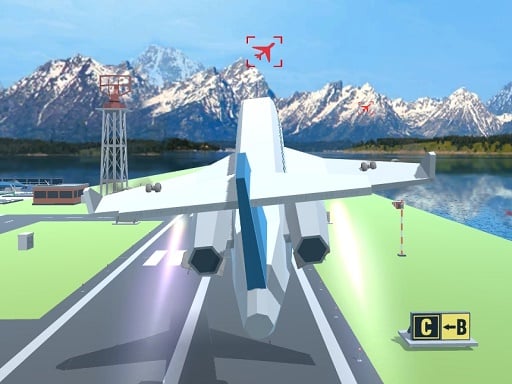
X-Plane Flight Sim Simulator lets you pretend you are a pilot. The controls feel real and the physics are detailed.
You must select an aircraft and Clean the basic flight controls to take off and navigate to the landing zone.
Use arrow keys or WASD for steering, spacebar to accelerate, and the mouse for camera. The throttle involves keys F and G, and landing gear is Q.
The game has an emergency mode and weather hazards. The physics are realistic but can feel floaty.
Keep your eyes open. Slow down your speed to manage the controls when the engine roars and the physics feel sketchy.
Q: What are the controls?
A: Arrow keys or WASD for steering, spacebar for acceleration, mouse for camera, F and G for throttle, Q for landing gear.
Q: What is the objective?
A: Navigate to the landing zone while avoiding weather hazards and managing air traffic.
Q: Is there an emergency mode?
A: Yes, the game has an emergency mode.
Q: What is the main mechanic?
A: The main mechanic is using physics to fly and land the aircraft.