 CrazyGamesX.com
Aircraft Games
Aircraft games for open flying and combat views
The Aircraft collection includes games where the plane is a vehicle to explore with and games where it frames an immediate combat task.
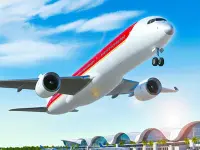

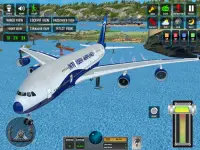
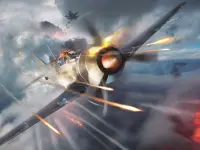



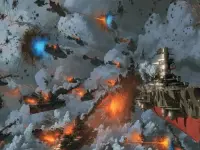
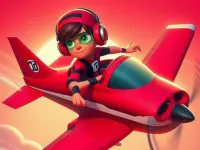

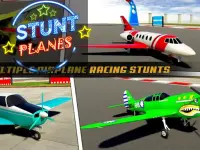
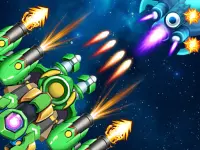


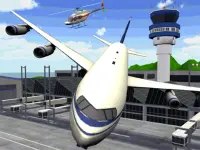

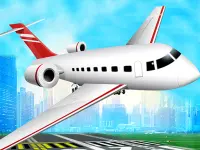


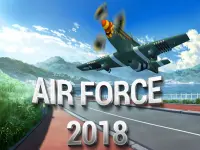
The linked examples offer a passenger flight simulation and a first-person fighter experience. Start with the controls and objective displayed by the selected player. A plane's appearance does not tell you whether the next useful action is a takeoff adjustment, a camera change or a shot at an approaching target.
Learn the passenger aircraft through a clear maneuver
In Passenger Airplane: Flight 3D, try a simple phase of flight where the response is easy to observe. Watch what happens after a modest directional adjustment and how long the aircraft takes to settle. Use that response as a reference before asking for a sharper turn. If the game offers camera options, choose a view that keeps the aircraft's direction and the route ahead understandable during the maneuver.
The simulation includes options for modes and conditions. Change one option when you have a familiar movement to compare against it. A different view can alter how you judge height or distance even if the aircraft's motion is otherwise familiar. A weather change can alter the information available ahead. Give the new scene a fresh inspection before expecting the same visual cue to guide a turn or approach.
For an opening session, follow one coherent sequence from takeoff into a stable stretch. Notice where the controls first feel difficult to interpret. Return attention to that phase and make a smaller adjustment so you can see its effect. A short maneuver you understand provides more useful practice than a long flight whose changes are hard to connect with individual inputs.
Read threats from a fighter's viewpoint
Aircraft Space Turret gives you a close combat view with enemy aircraft and attacks to avoid. Identify the active target and the surrounding space before concentrating on the center of the sight. A nearby bomb or incoming attack can matter sooner than a large distant enemy. Use the current instructions to understand which movements and weapons the task makes available.
Pick a clear target to learn the aim. Watch the result of a shot relative to the point you intended to reach. If the target moves, find a stretch of its path that is easy to observe and use a visible landmark beside it as a timing reference. The shot gives information about direction and delay. Keep one part of the setup familiar when changing the other so the next result is easier to interpret.
A useful attack position should leave a route away from the next threat. Look at the open side of the scene before following a target into a crowded region. After an exchange, check where the aircraft is facing and what is approaching now. That new view determines the next decision even when the previous aim was successful.
Choose what you want to learn about an aircraft
The passenger simulation lets you inspect handling across a broader flight. The fighter game concentrates on reading targets and threats through a close viewpoint. Pick a manageable first maneuver or encounter, then extend the session when its feedback makes sense. Other Aircraft cards can present different vehicles and missions, so use their individual prompts to decide which part of flight matters next.
Use a change of view as a new observation rather than assuming every distance still looks the same. A cockpit, external or other camera can put the horizon and nearby objects in different places. Find the aircraft's direction and one stable reference before attempting the next difficult maneuver. In a combat view, do the same with the aim and target. A short familiar movement after the view change helps connect the picture on screen with the control response you already learned.