 CrazyGamesX.com
Airport Clash 3D
Airport Clash 3DSimilar games




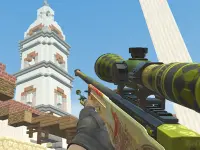


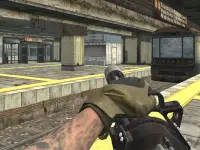
Airport Clash 3D
Watching the screen as you dive into Airport Clash 3D is part of the madness. You are trying to capture an abandoned airport while unleashing heavy gunfire and dropping bombs like it is nothing.
How To Play Airport Clash 3D
To play, use the WASD keys for movement and the mouse for aiming and shooting, Clean to start.
Controls and Features
The game involves using WASD for movement and the mouse for aiming and shooting. It has a bomb launch feature.
Tips
Use the bomb when it is charged. The reload can be Slow so manage your resources carefully.
Airport Clash 3D FAQs.
Q: What controls are used? A: WASD for movement and the mouse for aiming and shooting.
Q: What is the objective? A: Capture an abandoned airport and fight enemies.
Q: What is the main mechanic? A: Shooting and deploying bombs.
How To Play Airport Clash 3D
Experience the madness of Airport Clash 3D as you dive into the action. Use the WASD Airport Inspection keys for movement and the mouse for aiming and shooting, then press Clean to start the battle.
About this game
- Supported devices
- Desktop
- Genre
- Shooting Games
- Release date
- 24 October 2024
- Latest update
- 24 October 2024
- Rating
- No ratings yet