 CrazyGamesX.com
Military Defense
Military DefenseSimilar games


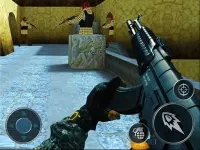



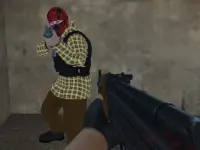




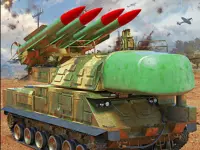
Military Defense
Military Defense is a browser game where you manage cannon power and trajectory. The aiming mechanic is sensitive, making precise shots challenging yet addicting in chaotic war zones.
How To Play Military Defense
First, press on the right side of the screen to set a firing line, then pull back on the left to adjust power for Clean aiming.
Controls and Features
Controls include clicking and holding on the right side to aim, dragging back on the left to control power, and releasing to shoot. The game features a minimal interface for quick decision making.
Tips
Time your shots carefully to protect civilians. Slow your pullback to improve accuracy under pressure when enemies are active.
Military Defense FAQs.
Q: What are the controls? A: Click and hold on the right, drag back on the left, release to shoot.
Q: What is the objective? A: Shoot accurately to hit enemies and save civilians without harming them.
Q: What is the main mechanic? A: Managing cannon power and trajectory with a drag-and-press system.
How To Play Military Defense
Start by pressing the right side of the screen to set a firing line, then pull back on the left to adjust power for clean aiming. You can compare your skills with Cellf Defense for more strategic action.
About this game
- Supported devices
- Desktop
- Genre
- Shooting Games
- Release date
- 18 March 2024
- Latest update
- 18 March 2024
- Rating
- No ratings yet