 CrazyGamesX.com
Total Immersion: The Brilliant Sound and Interface Design Behind Your Favorite Games
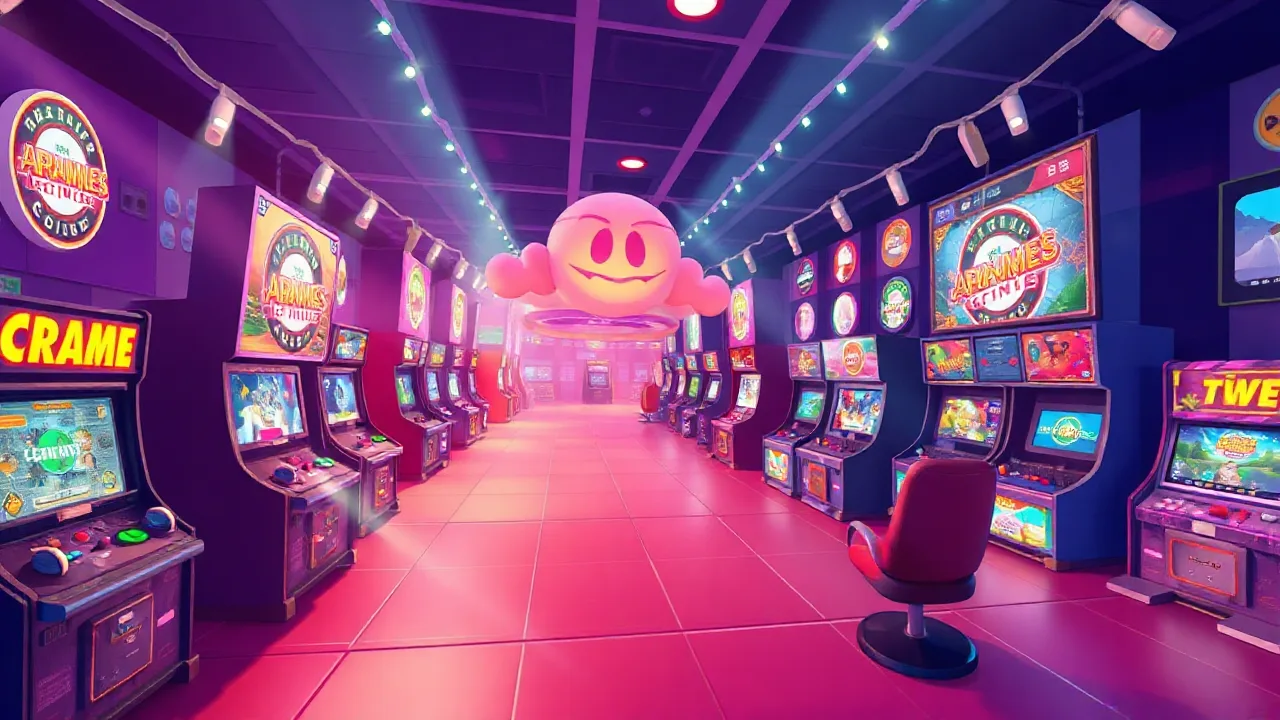
Some games pull you in before the first mission even starts. You open the menu, hear the background music, move through the options, and everything feels smooth, sharp, and alive. That is not luck. It is the result of strong sound design and smart interface design working together in the background.
Total immersion in games is not only about graphics. Beautiful visuals help, of course, but a game can look amazing and still feel weak if the menus are confusing, the buttons react slowly, or the sound effects feel empty. The best games understand that players do not only watch the screen. They listen, react, navigate, and feel the rhythm of every action.
🎮 What Makes a Game Feel Immersive?
Immersion happens when the player stops thinking about the system and starts focusing on the experience. A good game does not force players to fight with menus, unclear icons, bad camera movement, or messy controls. Instead, everything feels natural.
The interface guides the player without shouting. Health bars, maps, inventory buttons, mission markers, sound alerts, and visual effects all need to work together. When done well, the player knows what to do without needing a long explanation.
Sound plays a huge role here. A simple footstep, a reload sound, a warning beep, or a soft background track can completely change how a game feels. These details help the player understand danger, movement, progress, and emotion.
🔊 Why Sound Design Matters So Much
Sound design is one of the most underrated parts of gaming. Players may not always notice it directly, but they feel it immediately when it is missing or poorly made.
Imagine a racing game with weak engine sounds. The cars may look fast, but they will not feel powerful. Imagine a horror game with no creaking doors, distant whispers, or sudden silence. The fear disappears fast. Imagine an adventure game where every sword hit sounds flat. The combat loses weight.
Good sound gives actions meaning. It makes a jump feel clean, a hit feel heavy, a button press feel responsive, and a victory feel rewarding. Even small audio cues can help players react faster and understand what is happening without reading extra text.
🕹️ The Power of Clean Interface Design
A strong game interface should help the player, not distract them. Old-school games often used big health bars, score counters, and simple icons because the goal was direct and clear. Modern games have more systems, but the same rule still matters: the player should understand the screen quickly.
Bad UI creates friction. If the inventory is hard to use, if the map is messy, or if important buttons are hidden, players get annoyed. It breaks the flow. Nobody wants to spend more time fighting the menu than playing the game.
Clean interface design uses space carefully. It shows important information first and keeps secondary details out of the way. The best interfaces feel almost invisible because they support the gameplay instead of stealing attention.
⚡ How Sound and UI Work Together
Sound and interface design become even stronger when they work as one system. A notification should not only appear on the screen. It should also have a sound that matches its importance. A level-up moment should look and sound rewarding. A danger warning should be visible and audible without feeling annoying.
This is where great games separate themselves from average ones. Every click, pop-up, menu transition, weapon sound, ability trigger, and background track has a purpose. Nothing feels random.
For example, in action games, sound cues can warn players about enemy attacks. In puzzle games, clean audio feedback can confirm that a move was correct. In racing games, engine pitch can tell players when to shift, brake, or accelerate. In multiplayer games, interface alerts and sound effects help players react quickly under pressure.
🧠 Good Design Teaches Without Overexplaining
The strongest games teach players naturally. They do not need to stop the action every few seconds with long tutorial boxes. Instead, they use smart visual signs, simple animations, and clear sound cues to guide the player.
A glowing object suggests interaction. A sharp warning sound signals danger. A soft confirmation sound tells the player they did something right. A clean menu animation shows where the player moved. These details make the game easier to understand without making it feel like homework.
This kind of design respects the player. It keeps the experience smooth and lets people learn by playing.
🏆 Why Players Notice Bad Design Faster Than Good Design
Here is the funny truth: when sound and UI are great, players often do not talk about them. They just say the game feels good. But when sound or interface design is bad, everybody notices fast.
A loud menu sound becomes annoying. A confusing icon causes mistakes. A badly placed button slows the player down. A missing audio cue makes combat feel unfair. A cluttered screen makes the game feel cheap, even if the graphics are expensive.
Good design is quiet confidence. Bad design is that one squeaky door you cannot ignore.
🎯 Key Features of Strong Game Immersion
| Feature | Why It Matters |
|---|---|
| Clean UI | Helps players understand the game quickly |
| Responsive Sounds | Makes actions feel real and satisfying |
| Clear Navigation | Reduces confusion and keeps gameplay smooth |
| Smart Feedback | Confirms actions without interrupting the player |
| Balanced Visuals | Shows important information without clutter |
| Emotional Audio | Builds tension, excitement, or calm when needed |
🚀 The Future of Sound and Interface Design
Modern games are becoming more advanced, and players expect more polish than ever. Fast loading, smooth menus, adaptive music, smart audio cues, and clean HUD design are no longer small extras. They are part of what makes a game feel premium.
As games continue to grow, developers need to think beyond graphics. The future of immersion will depend on how well games respond to players. That means smarter sound systems, cleaner UI layouts, better accessibility options, and interfaces that adjust naturally to different devices.
Mobile players need simple touch controls. PC players expect fast menus and keybinds. Console players need smooth controller navigation. A great interface respects all of these platforms without making the game feel complicated.
✅ Conclusion
Total Immersion: The Brilliant Sound and Interface Design Behind Your Favorite Games is more than a catchy title. It describes one of the most important parts of modern gaming. The games we remember are not only the ones that look beautiful. They are the ones that feel smooth, sound powerful, and guide us naturally from the first menu to the final moment.
Sound design gives games emotion and impact. Interface design gives games clarity and control. When both work together, players stop thinking about buttons, menus, and systems. They simply play.
That is where real immersion begins.