 CrazyGamesX.com
Tank Shooting Simulator Guide: Driving, Camera and Target Practice
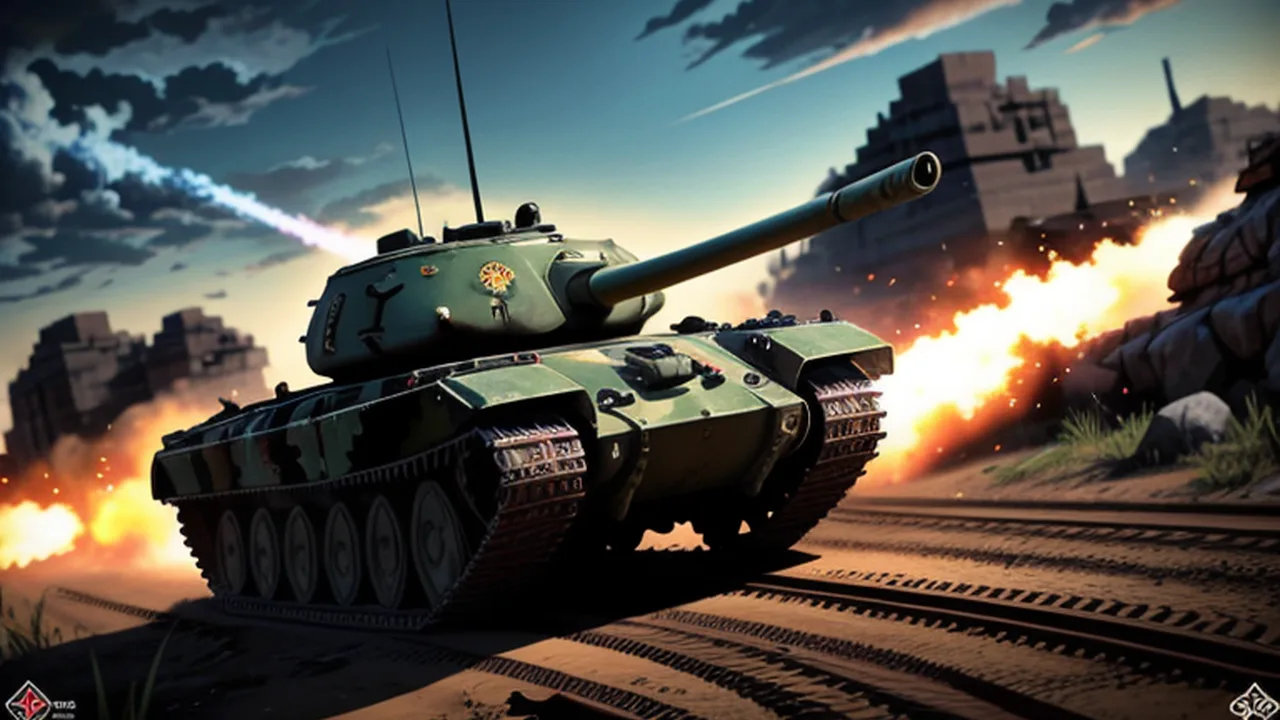
Tank Shooting Simulator combines driving a tank with selecting and firing at targets in a 3D battlefield. The controls separate movement, looking, shooting and camera changes. Learning those actions in a readable order is a practical way to make the first mission less confusing. Once you understand which input changes which part of the scene, you can make clearer decisions about approaching an enemy and judging the result of a shot.
Open Tank Shooting Simulator for the specific game discussed here. Its supplier describes missions involving enemy tanks and opposing bases. This guide follows that game's listed controls and objective. It does not assume the armour penetration, ammunition selection, multiplayer rules or equipment systems found in other tank titles. Use the current mission's prompts and feedback as your reference.
Read the mission before choosing a route
Begin by identifying the objective presented on screen. Notice which enemies or locations the mission asks you to deal with, then look at the area immediately around your tank. Knowing the task gives movement a purpose: you are trying to reach a useful position for that objective rather than driving toward the first distant object that catches your attention.
If the opening view is difficult to interpret, take a moment to establish the direction of travel and the nearest visible target. You do not need a complete map of the battlefield before moving. A clear first destination is enough to begin learning the relationship between the tank's movement, your view and the mission.
Learn the driving response with a short movement
The arrow keys or WASD drive the tank. Choose one set while learning and make a short input before attempting a longer approach. Watch how the vehicle responds and how the surrounding scene changes. This establishes a reference for later corrections without combining unfamiliar steering with an urgent attempt to shoot.
Release the input and inspect the new position. If it differs from what you intended, make another small adjustment and observe it. Short, deliberate movements are useful during the first encounter because they let you identify which action produced the change. A long sequence of competing inputs makes that connection harder to follow.
Separate looking from moving
The mouse controls looking around. Move it enough to locate the target and understand the view, then consider the tank's position separately. A change in what you can see does not necessarily mean the vehicle has moved into a better location. Distinguishing those two actions helps prevent an uncertain camera movement from turning into an unnecessary driving correction.
When you lose track of the intended route, return your attention to a recognisable feature or target in the scene. Establish the direction again before adding more movement. The aim is to keep the relationship between your view and the vehicle readable, especially when an encounter asks you to consider more than one enemy.
Choose a camera view that helps the current task
C changes the camera. Test the available views in a situation where you can compare them clearly, then choose one that makes the next action easier to judge. A view that helps read the route may feel different when you are selecting a target. Work with what this build actually offers instead of expecting a particular number or style of cameras.
Avoid changing the view, driving direction and firing input simultaneously while learning. If the result becomes confusing, you will have less information about what caused it. Make one adjustment, check its effect and then continue. You can combine actions more comfortably once the separate responses are familiar.
Give the first shot a clear purpose
The left mouse button shoots. Choose a visible enemy, establish the intended aim and observe the result of a deliberate shot. The important first question is whether the interaction behaves as you expected. Look for the game's own response rather than immediately assuming a rule about armour, range or projectile behaviour.
If the result is unclear, adjust one part of the attempt. You might change the aim or move to a position where the target is easier to distinguish. Repeating an uncertain action rapidly provides less useful feedback than making a change whose effect you can see. Use the next shot to investigate the specific difficulty you noticed.
Check your route before approaching an enemy
Inspect the space through which you intend to drive. Decide where you want the tank to be when you next assess the target. A planned short approach keeps movement connected with the objective and reduces the chance of continuing forward simply because the key is still held down.
If the view becomes cluttered or the target is difficult to track, reassess the approach. You can choose a different position or adjust the camera to understand the scene more clearly. The useful principle is to preserve a readable encounter, not to follow a single supposedly perfect route through every mission.
Choose one target before switching attention
When several opponents are visible, select the one you intend to address first. Base that choice on the mission and the current scene. Consider which target you can identify clearly and which one is relevant to your immediate objective. This gives the next movement or shot a definite purpose.
After firing, check what changed before selecting another enemy. Switching constantly between distant objects can make it difficult to tell whether the previous action succeeded. You do not need to stay committed to an unsuitable target, but a change of plan is easier to understand when you can state why the new one is more useful.
Let visible feedback guide the next action
Watch for the response shown by the game after a hit, a destroyed opponent or a mission event. That feedback is the evidence for what the current action accomplished. A dramatic effect or a busy scene should not replace checking whether the objective has actually advanced.
If you are unsure what remains, inspect the mission information and the enemies still present. Avoid inventing an extra requirement because a different tank game used one. This version's prompts are more relevant than an assumed need to collect a particular item, buy an upgrade or use a special ammunition type.
Use the menu as a reference
Tab opens the menu in the listed control layout. Read the options available in this build before choosing an action. Menus are useful places to regain context, but their presence does not establish features that are not actually shown. Select the option you intend rather than clicking through several unfamiliar choices.
If a control does not seem to respond, first check that the game has focus and that you are in the appropriate play screen. Then test that action on its own. Separating focus, interface state and gameplay response helps explain a failed input without immediately blaming the tank's movement or the mission.
Distinguish an aiming problem from a driving problem
An unsuccessful attempt can have several causes. The target may have been hard to see, the tank may have been in an awkward position or the intended input may not have been clear. Identify the problem you actually observed before choosing a remedy. A camera change will not necessarily correct a route that takes you away from the objective.
For example, if the scene becomes confusing only after a turn, repeat a smaller movement and inspect the view before firing. If the route is clear but you cannot judge the target, work on the camera and aim instead. These are ways to structure practice, not claims about hidden game statistics.
Build a repeatable opening to the mission
Once the first few actions make sense, use them as a familiar starting sequence. Read the objective, make the initial movement, choose a view and identify the first target. Keeping the opening understandable makes it easier to notice what changes when you try a different approach later.
Do not turn that sequence into a rigid rule. A different mission or arrangement may require another choice. The point is to retain a reference you can assess, then adapt it to the scene. Familiar controls support better decisions only when you continue to look at the actual objective and opponents.
Practise one source of confusion at a time
Choose a narrow aim for a session. You might focus on making smaller steering corrections, maintaining a readable camera view or observing a shot before firing again. A specific aim makes improvement easier to recognise than a general demand to win every encounter immediately.
After an attempt, describe one event in concrete terms: where you moved, what you tried to target and what feedback followed. Use that observation to choose the next adjustment. You can learn something useful from an incomplete mission if the attempt explains which action needs more attention.
Compare tank combat with other shooting formats
The Shooting Games collection includes other perspectives and objectives. When moving to another title, read its controls afresh. A target gallery, an on-foot game and a vehicle mission can share a shooting theme while demanding different movement and camera habits.
Return to Tank Shooting Simulator when you want to practise coordinating a vehicle's route with the view and firing controls. Let a clear objective, a deliberate approach and observable feedback shape the attempt. Those habits provide a useful foundation without requiring assumptions about systems this particular game has not demonstrated.