 CrazyGamesX.com
Plants vs Zombies 2 Unblocked: Browser Game Guide and Plant Defence Tips
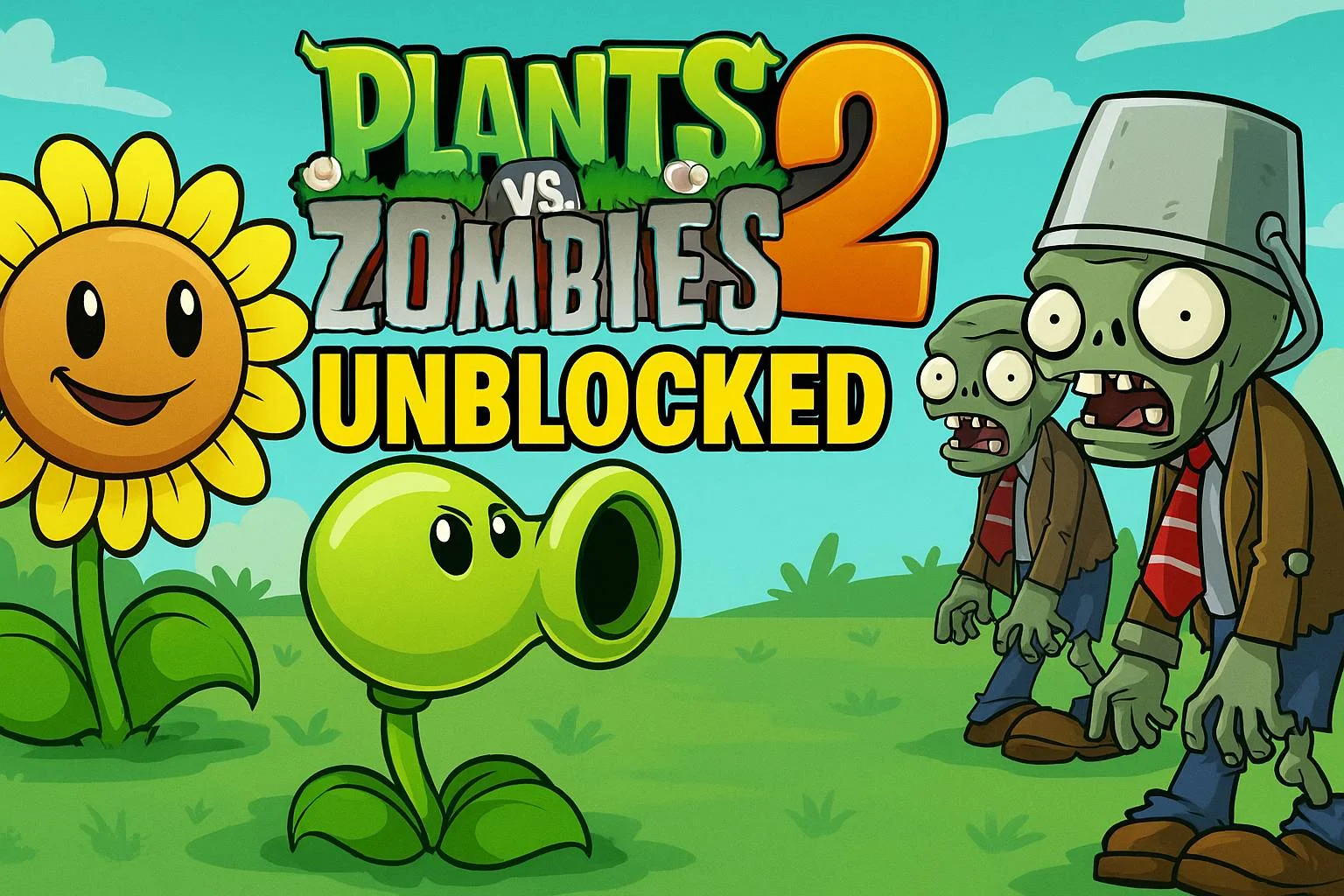
Looking for Plants vs Zombies 2 unblocked can lead to browser games with similar names but different controls and features. On CrazyGamesX, the useful starting point is the game that actually loads: a garden-defence challenge where you place plants and stop advancing zombies from reaching the house. This guide explains how to approach that browser format, how to learn from a failed defence and how to choose between two available plant-versus-zombie games.
The title of a page does not tell you every rule of its embedded game. Check the opening instructions and plant choices before following a strategy written for another edition. A sensible first goal is to understand placement, recognise where pressure is building and make one deliberate improvement each time you try again.
Start with the browser game you intend to play
Plants vs Zombies Unblocked centres on protecting your house and front door with a garden of defensive plants. Its plant selection includes peashooters, sunflowers, wall-nuts and cherry bombs. The game uses taps to create plants and sliding or dragging actions to position them. Learn those placement actions before trying to manage a crowded defence.
Use the instructions and the information shown on the plant cards to decide what you can place. Do not assume that a familiar-looking plant has exactly the cost, cooldown or upgrade path you remember from a different game. Watch what the current choice does after you place it, then use that observation to plan the next position.
Begin with enough room on screen to see the approach to the house and the plant-selection area together. If you can only see part of the play field, it becomes harder to connect a placement decision with the threat it is meant to address. Read the game prompts first, then settle into a view that lets you monitor the defence comfortably.
Learn the placement action before the pressure rises
Your first few inputs should establish how a plant is selected, created and moved into position. Choose an available plant, follow the tap or drag prompt and check that it appears where you intended. That final visual check matters: deciding on a good position is different from successfully putting the plant there.
If a drag does not produce the result you expected, look at the current selection and the intended destination. The game may be waiting for a different input or showing a placement restriction. Respond to the visible prompt rather than repeatedly dragging across the same area without checking what changed.
On a touch screen, leave the important part of the field visible while you move your finger. On a computer, move the pointer to a clear destination before releasing a drag. These small habits help you distinguish a tactical mistake from a simple placement mistake, which makes the next decision much easier.
Read the whole defence, then choose the urgent problem
When several zombies are advancing, the nearest moving figure naturally attracts attention. Before placing another plant, take a brief look across the garden. Ask which approach has the least protection and which threat is closest to the house. That gives your next action a specific purpose.
A heavily defended area can still look dramatic because several enemies are gathered there. Meanwhile, a quieter approach may be poorly covered. Avoid adding every new plant to the most visually crowded spot. Compare the distance to the house and the protection already in place before deciding where another plant will help most.
Reassess after each meaningful change. A plant placement may relieve one problem while another develops elsewhere. Instead of treating your opening arrangement as a permanent solution, use it as a starting defence that you continue to adjust according to what is happening on screen.
Give each plant choice a job
Peashooters, sunflowers, wall-nuts and cherry bombs are recognisable names, but a useful plan begins with the functions the current game presents. Read a plant’s card or prompt and decide whether that choice addresses the problem in front of you. A familiar name alone is not a reason to fill every available space with the same selection.
Think in terms of jobs: covering an exposed approach, supporting an existing defence or responding to immediate pressure. After placing a plant, watch whether it contributes to that job. If it does not, inspect the position and the threat before assuming that the plant itself was the wrong choice.
When you have several available options, choose one whose purpose you understand. Learning a small group of dependable placements is more useful than switching between every card without noticing their effects. Broaden the plan as you become comfortable reading the garden and carrying out the placement controls accurately.
Prepare for zombies that become harder to stop
The browser game introduces progressively tougher zombie pressure. An arrangement that handled an earlier situation may need attention when an enemy survives farther into the garden. Watch where the defence begins to lose control instead of waiting until a zombie is already at the house.
Use the approach to the house as a way to judge urgency. If an enemy is still distant, you have time to compare possible positions. If one has already advanced much farther than the rest, make the next decision around that immediate risk. This does not guarantee a rescue, but it helps prevent spending an action on a problem that is less urgent.
After surviving a difficult moment, look for the weakness that allowed it to develop. Was an approach left uncovered? Did a placement land somewhere unintended? Did you concentrate on one part of the field for too long? Repairing the cause is more useful than simply returning to the same arrangement and hoping it will hold.
Use a failed attempt as a short review
A lost defence can still provide a clear lesson. Identify the first point where the situation became difficult to recover, rather than remembering only the final enemy that reached the house. The decisive mistake may have been an earlier placement or a threat you did not notice.
Change one important decision on the next attempt. For example, place protection earlier in the approach that failed, or spend more attention on confirming a drag destination. If you change every choice at once, it becomes harder to tell which adjustment improved the result.
Keep the review practical. “I need to play faster” is less useful than “I noticed that approach too late.” The second observation suggests a specific habit: scan the other side of the garden after your next placement. A small, repeatable adjustment is something you can actually test during the next defence.
What changes in Fusion Odyssey?
Plants vs Zombies Fusion Odyssey offers another house-defence setup. Its available plants include pea-shooter variants with different shot numbers or strength, as well as freezing plants that slow enemies. Select a plant through the upper-left selection button and use the mouse or a finger to place or move it.
Here, comparing the available plant variants is a useful part of the opening. Look at how a selected plant affects the enemy approach and how that effect combines with nearby protection. A slowing effect changes the movement of a threat, while a different shooting variant changes the attack contribution. Observe both before deciding which position needs the next addition.
The name “Fusion Odyssey” is not a reason to assume a particular fusion recipe or a complicated crafting tree. Start with the choices the game actually presents. Your immediate objective is still to protect the house; an enemy breaking through ends the attempt. Establish reliable placement and threat reading before experimenting with a more elaborate arrangement.
Choose a version according to what you want to practise
Choose Plants vs Zombies Unblocked when you want to work with its familiar plant selection and learn the tap-and-drag garden-defence loop. Focus a short session on accurate placement and noticing an exposed approach early. That gives the session a clear purpose even if you only have time for a few attempts.
Choose Fusion Odyssey when you want to compare its pea-shooter variants and the contribution of slowing plants. Begin by observing one combination, then change a position or plant choice and compare the result. Keep the experiment small enough that you can recognise what the adjustment actually changed.
Switching versions can be refreshing, but remember that their interfaces and choices need to be learned separately. A useful general habit transfers between them: look at the threat, select an appropriate response and confirm the placement. Exact costs, timings and special actions should come from the version on your screen.
Common questions before playing
Does “unblocked” guarantee access on every network?
No. A word in a game title does not control a school, workplace or other network’s access rules. If the page cannot load, that is a different issue from losing a round or misunderstanding a plant control. Use the game on a connection where it is available and permitted, and follow the instructions shown by the browser build.
Can I use a strategy from another Plants vs Zombies edition?
You can use broad habits such as protecting an exposed approach and observing enemy movement. Check specific plant behaviour, selection actions and progression against the current game before relying on them. This guide describes the browser games linked here and does not promise the worlds, modes or unlock systems of a different edition.
What should I do when the defence becomes confusing?
Return to the most immediate threat, then confirm your next plant selection and destination. After the attempt, choose one part of the defence to improve. If you want a different planning challenge afterward, the puzzle games collection offers other ways to practise observation and deliberate decisions.