 CrazyGamesX.com
Crazy Games 2: A Practical Guide for Two Players
Two people can open the same game and still want completely different things from it. One wants a quick contest; the other wants time to learn the controls. A good session starts by agreeing on those expectations, not by choosing the loudest thumbnail. This Crazy Games 2 guide for two players explains how to choose an appropriate browser game, set up a shared keyboard, and turn a few rounds into a fair, enjoyable match.
Here, “Crazy Games 2” is a search phrase for finding games to play together, not the name of one game with a universal set of weapons, maps, or upgrades. Controls and features belong to individual titles. The practical example in this guide is a real collection available on CrazyGamesX, so you can connect the advice to something you can actually open and examine.
First decide how you want to play together
Local two-player play means both people use the same device. You share the screen, see the same match, and usually divide the keyboard between you. Online multiplayer is different: players connect from separate devices, and the game needs an appropriate online mode. A two-player label alone does not establish that a title has private rooms, invitation codes, or remote matchmaking.
Also distinguish competition from cooperation. In a competitive game, one person's success may come at the other's expense. In a cooperative game, both players work toward a shared result. Neither format is automatically better for beginners. Choose competition if you both enjoy rematches; choose cooperation if helping each other through a problem sounds more appealing than keeping score.
Before loading anything, answer three questions: are you sharing one computer, do you want to compete or cooperate, and how long do you have? These answers narrow the choice more effectively than searching for a supposed universal “best” game. A ten-minute break needs a different format from an evening spent learning a difficult adventure.
A concrete starting point: four choices on one screen
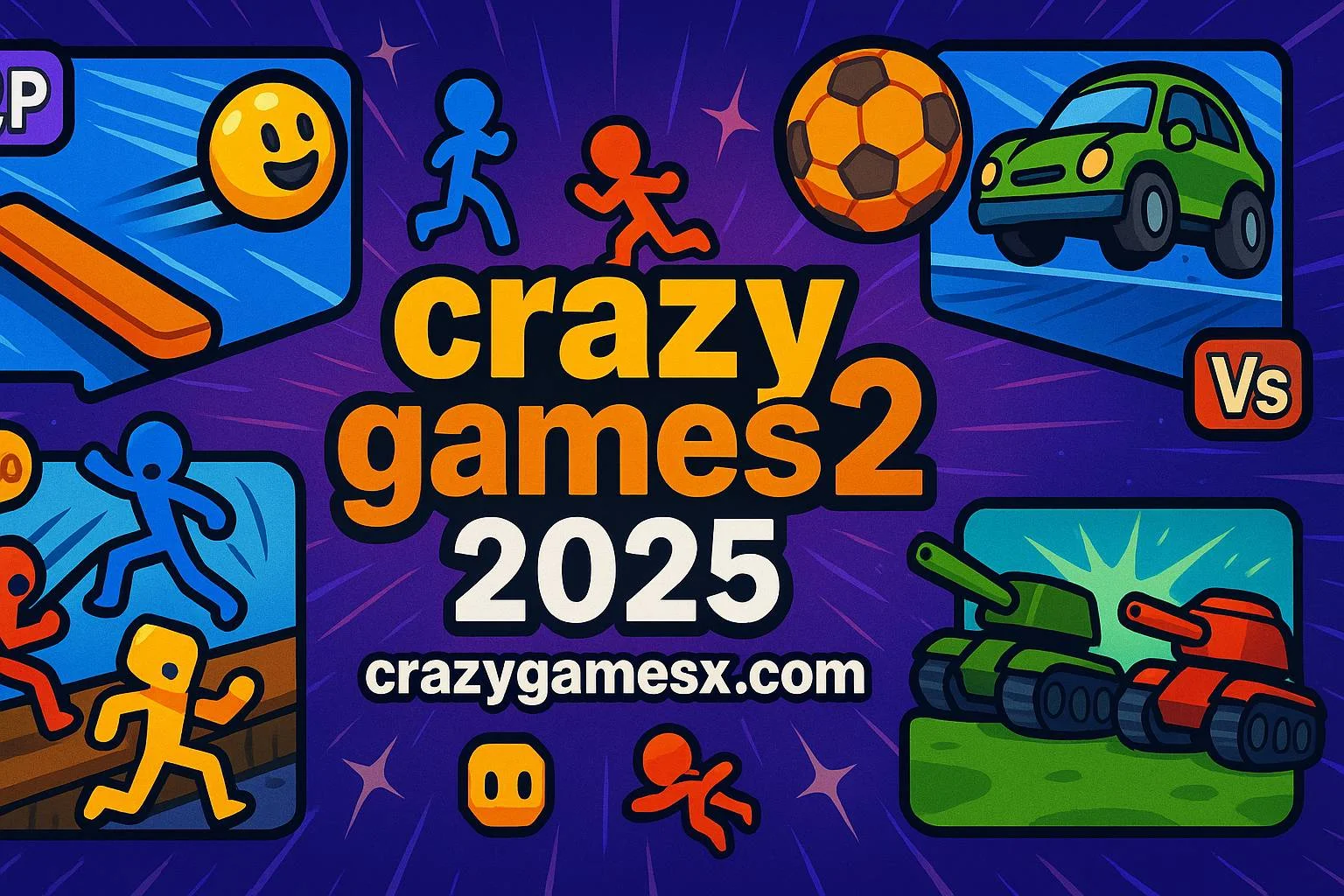
4 Games For 2 Players is a local collection with a four-option selection screen. Its menu shows jumping characters, a football match, a tank, and a bat-and-ball option. The visible key diagrams are important: the football and tank choices show WASD and the arrow keys, while the first and fourth choices show W and the Up Arrow.
That variety gives you a useful way to compare what you enjoy without opening several unrelated games. The football mode presents two opposing characters and goals. The tank mode uses a top-down arena with walls, two tanks, a score display, and a timer. These are distinct situations: following a ball and finding a route around a wall ask you to watch different parts of the screen.
Read the diagram under the option you select instead of carrying controls over from another game. In particular, do not assume that Space is a jump button or that clicking the mouse fires a weapon. Start with the keys the collection actually displays, observe what happens, and learn that mode before discussing advanced tactics.
Set up the shared keyboard before keeping score
Place the keyboard so both players can reach their controls without twisting a wrist or leaning across the other person's hands. Decide who uses the letter keys and who uses the arrows. Keep drinks and other objects away from the shared space. A comfortable position makes it easier to judge the game itself instead of blaming an awkward setup for every missed input.
Give both players an unscored practice round. Test moving in each direction, releasing a key, and making two inputs close together. In a shared-keyboard game, check that both people's actions register when pressed at the same time. If an input appears unreliable, repeat the same test slowly before changing anything. This separates an unfamiliar control from a genuine input problem.
Click inside the game area if keyboard input is still controlling the surrounding page. Let the current game finish loading before judging responsiveness. Avoid refreshing in the middle of a round unless you are prepared to lose that round's state. Neither the browser format nor a two-player label guarantees that a match will resume after a reload.
In football, watch the ball before chasing the opponent
The football example is useful because the two goals make the immediate aim easy to understand: direct the ball toward the opposing goal while protecting your own. Start by watching the ball's path after contact. If you follow the other character instead, you can end up moving away from the very space you need to defend.
When the ball is behind you, recover toward your goal before attempting another attack. When it is between the players, avoid assuming that constant forward movement is always best. Pause long enough to see where the next contact is likely to send it. These are decisions to practise and compare, not promises of a guaranteed scoring method.
Use a short review between rounds: which goal did the ball enter, where were you standing just before that happened, and which movement would you try differently? Focus on one change for the next attempt. Trying to fix positioning, timing, and every control at once makes it difficult to notice what actually helped.
In the tank arena, plan movement around the walls
The tank screen offers a different lesson. Its walls divide the arena into routes, so immediately heading straight toward the opponent is not always a useful plan. Before moving, identify the closest clear passage and where it leads. Compare your intended direction with the direction the tank is actually facing or travelling.
Keep the timer and score visible in your decision-making. If a round has little time left, a long route may not accomplish what a short one would. If both players keep getting stuck in the same place, use a practice attempt to explore that area without treating every mistake as a serious loss. Let the actual on-screen result establish how the mode awards points; do not import rules from another tank game.
Make mixed-skill matches enjoyable for both people
If one player already understands a mode, that player should explain the controls before the scored rounds begin. Demonstrating a movement is more helpful than repeatedly saying “just react faster.” Let the less experienced player try the action without interruption, then ask what felt confusing. A clear explanation can keep an uneven opening round from becoming an uncomfortable session.
Agree on the session format yourselves. For example, you can count one completed round from each of the four menu choices, or choose two modes and alternate between them. This is an informal rule for your session, not a tournament feature claimed to exist inside the game. Write down the results if you want an overall winner.
If you swap keyboard sides, change after an agreed round rather than during play. Switching can reveal whether one arrangement feels less comfortable, but it is not compulsory. End a one-sided contest when it stops being fun. Changing modes or taking a break is often a better decision than demanding endless rematches.
Choose the next game for a specific reason
Once you know which parts you enjoyed, browse the 2 Player games collection with a clear question in mind. Do you want another direct contest, a different pace, or a task that requires cooperation? Read each candidate's own description and controls. A shared tag groups related titles, but it does not make their rules or device support identical.
For a shared-keyboard session, look for explicitly separate controls. If you want to play from different homes, check the chosen game's actual online options before sending a link to your friend. Opening the same page on two computers does not by itself connect the matches. Similarly, do not assume a game supports controllers or touch input simply because your browser supports those devices.
Questions to settle before the next round
Does “two player” always mean two people can join online?
No. It may describe local play on a single device. The mode and instructions of the specific game determine how a second person participates. Check those details before planning a remote session.
Should we start with the simplest controls?
Usually that is a useful starting point when either player is unfamiliar with the keyboard. In the example collection, the menu shows different key requirements for different options. Try one, then decide whether you want a larger set of movements.
What if the game seems slow or a key does not respond?
First confirm that loading has finished and the game has focus. Pause other demanding tabs, then test the same input again. If only combinations of keys fail, test each key individually and compare the result. Do not change security settings or assume you need a new account to solve an input issue.
What is the most useful way to improve together?
After a round, describe one observable moment rather than judging the other player's ability. Try a different position, practise one input, or choose a mode you have not learned yet. The aim is a session both people want to return to: clear controls, fair expectations, and enough variety to make the next attempt interesting.